

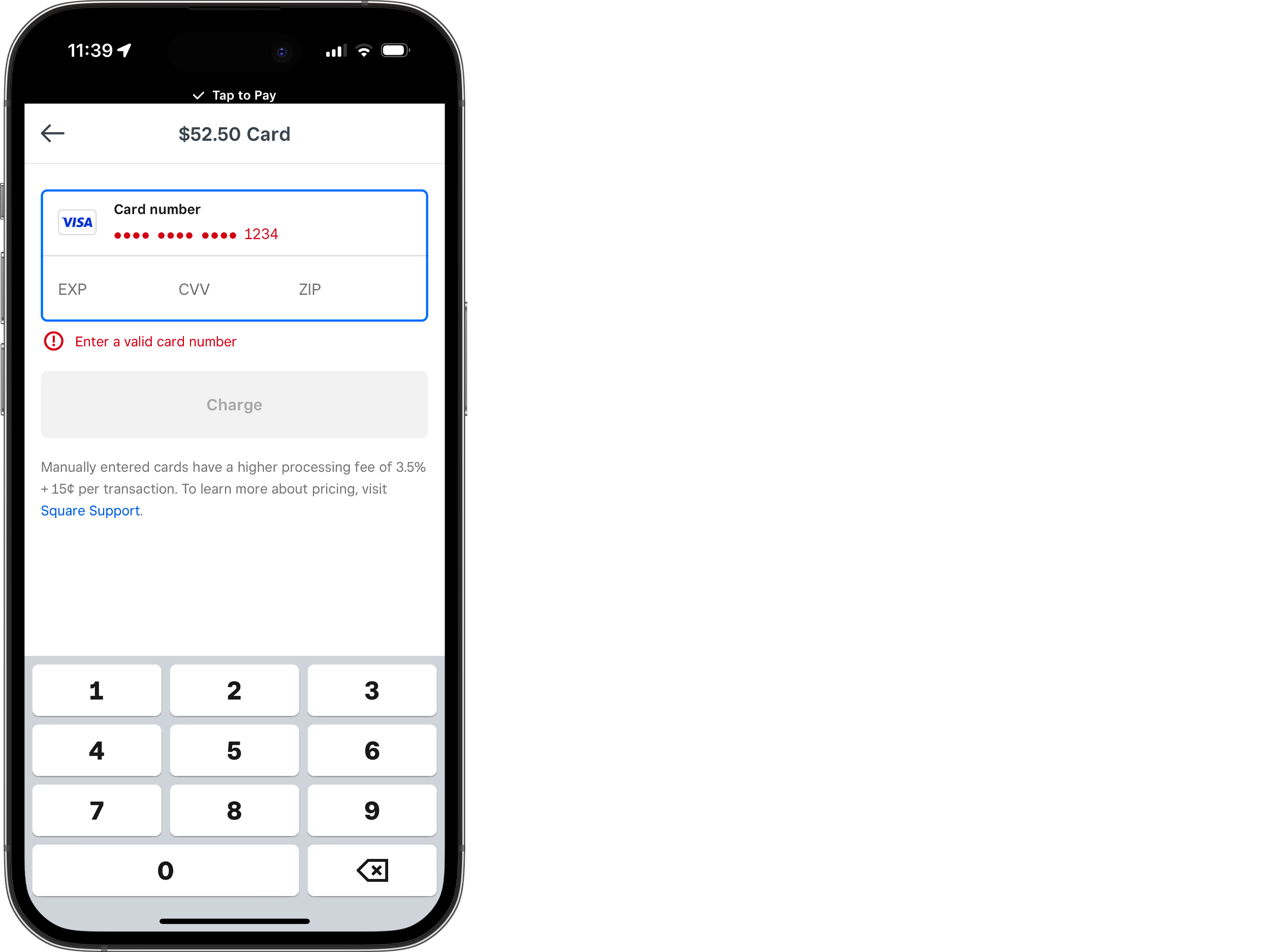
You tap top-up, pick a payment method, hit confirm. Screen hangs. A vague decline notice pops up. Your balance stays at zero. You are stuck in a loop wondering if the app, your bank, or your account settings are to blame. Most payment blocks on live platforms are not broken features. They are security triggers or configuration mismatches. The gateway runs strict validation checks. When a request does not match expected patterns, it gets dropped before the money moves. Knowing how the pipeline works stops the guesswork.
Root Cause Matrix
Checkout failures rarely come from one place. They split into three buckets: device environment, gateway validation, and account restrictions.
Device issues cover outdated builds, corrupted cache, or flaky Wi-Fi. An old version will not handshake properly with updated servers. Cached tokens expire and trigger instant rejections.
Gateway validation is where cards usually die. Banks flag unfamiliar merchant codes, location shifts, or rapid retries. Virtual and prepaid cards often get blocked by default. If you recently traveled or tapped confirm too many times, the fraud filter steps in.
Account restrictions tie back to wallet setup. Unverified profiles or region mismatches will gray out options or fail silently. The system halts transactions that do not meet baseline security rules. Compliance always wins over convenience.
Step-by-Step Troubleshooting
Do not spam the confirm button. Rate limits will lock you out. Follow this order.
Check your network first. Toggle between Wi-Fi and mobile data. Public networks drop secure packets. Force-close the app after switching, then reopen it.
Clear cache next. Go to device settings, find the app manager, and clear cached data only. Do not wipe storage unless you want to log back in from scratch. Check the app store for updates. Payment integrations get patched regularly, and old builds break against new servers.
Validate the payment method directly. Log into your bank portal. Confirm online transactions are active and daily limits cover the purchase. If you use a virtual card, check whether digital merchant codes are explicitly allowed. Many issuers require manual opt-in for these.
Fix the wallet setup. Remove expired or inactive cards. Add a primary card with a clean transaction history. Match the billing address exactly. Zip code typos or street abbreviation mismatches trigger automated declines.
Run a small test. Buy the minimum coin pack available. Success points to a spending cap or bank threshold. Failure means a gateway or account block, which pushes you toward escalation.
Check regional payment restrictions next. Some platforms restrict specific currencies or local payment gateways based on your IP address. If you are using a VPN, disable it temporarily. Mismatched geolocation data often triggers silent gateway rejections that never return a clear error code. Switching to a direct local connection usually resolves these routing conflicts.
If Still Not Resolved
When standard steps do not work, stop guessing and start documenting. You need hard evidence so support skips the basic script.
Screenshot the exact error on screen. Note the code, timestamp, and payment method. If the app bounces to a third-party processor, capture the final screen before it closes.
Find the transaction reference. Failed attempts sometimes leave a pending authorization. Check your inbox for gateway emails. Scan your bank statement for temporary holds. Log the exact amount and merchant descriptor. This proves the request actually hit the financial network.
Write a clean summary. Agents handle hundreds of tickets. A chronological list of what you tried saves days of back-and-forth. Include app version, device model, OS, payment method used, and test results. Clear data gets faster routing.
Contact your bank’s fraud department directly if the app shows no error but the transaction fails. Provide them with the exact merchant name and timestamp. Sometimes the issuer blocks the request on their end without notifying the app. A quick manual override from the bank can clear the block instantly, saving you from waiting for platform support.
Risk Warnings
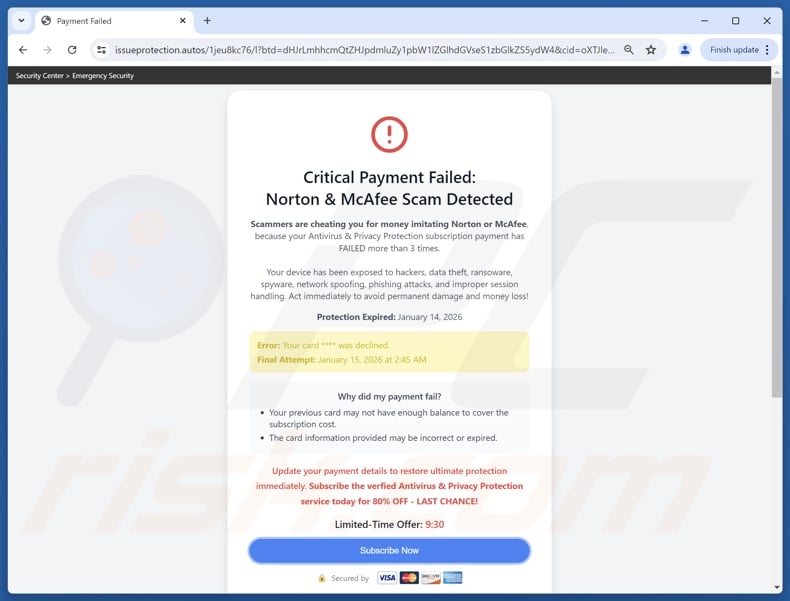
Urgency breeds bad decisions. Scammers watch for frustrated users and promise instant top-ups or bypassed checkouts. They are lying.
Never hand over passwords, 2FA codes, or full card numbers to anyone claiming to be official support. Real agents do not ask for remote access or unverified configuration files. Cut contact immediately if they do.
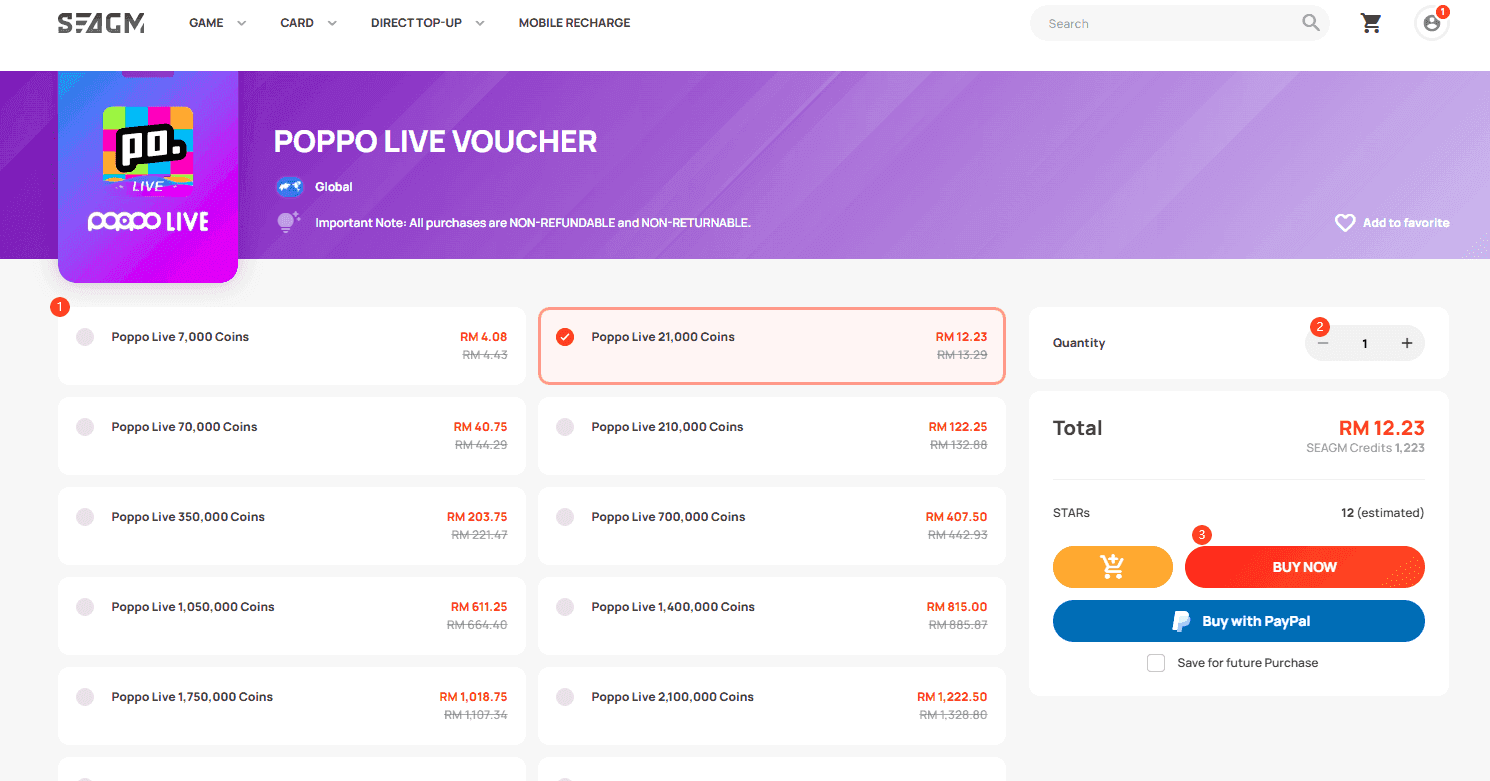
Skip unauthorized resellers. They use stolen cards or exploit regional pricing. When the platform catches irregular funding, accounts get frozen. You lose the credits and the login. Stick to the in-app flow. If a payment option vanishes, it is usually a regional partnership shift or maintenance. Not an excuse to hunt for workarounds. For users comparing billing structures across platforms, checking established services like VeloxGame shows how proper payment routing should function.
Before Contacting Official Support
The help desk is the last stop. How fast they move depends on your prep.
Verify your account ID, registered email, and linked phone. Social login users should note the exact profile name and confirm the tied email is active. Mismatched IDs delay payment investigations.
Check region settings. Payment methods change by country. Make sure your profile location matches where you are. If you are traveling, note the discrepancy in your ticket.
Draft the message cleanly. Subject line first, then issue type, account ID, error code, and steps taken. Attach screenshots and reference numbers. Keep it factual. Clear formatting routes you to the payment operations queue instead of general support.
FAQ
Why did my card decline with sufficient funds? Automated fraud filters, not your balance. Banks flag new merchant categories or location jumps. Call your issuer to whitelist digital entertainment purchases and confirm international permissions.
How long for a pending hold to clear? Three to seven business days typically. It is a reservation, not a charge. Give your bank the reference number if it lingers past a week.
Do virtual or prepaid cards work? Depends on the issuer. They often block entertainment merchant codes by default. Verify digital purchase permissions before trying.
Seeing duplicate charges? Network timeouts trigger gateway retries. Save both transaction IDs and submit them to support. The finance team will reconcile logs and refund the extra.
Does clearing app data wipe my balance? No. Cache and reinstalls only touch local files. Your balance and history sync securely from the server once you log back in.
Bottom Line
Live app payment systems run on tight compliance rules. Security wins over convenience. When checkout fails, it is usually a deliberate block from mismatched settings, bank filters, or incomplete verification. Methodical troubleshooting fixes most of it. When it does not, clean documentation and a direct escalation path get your ticket noticed. Treat your wallet setup like banking infrastructure. Keep records organized. The system will clear once the validation chain aligns. If you are evaluating how different services handle wallet verification and transaction routing, resources at VeloxGame break down the mechanics behind reliable billing setups.