

You open the shop, choose Gems or Pass Royale, and the purchase stalls somewhere annoying. Maybe the card gets declined. Maybe your usual wallet option is gone. Maybe billing keeps looping, or the charge lands but the item does not show up right away. Most of the time, that points to checkout, billing, or store-account trouble sitting underneath the game.
The worst move is usually hammering the Buy button again. That can lead to pending holds, duplicate charges, or extra fraud checks from the store side. It is better to figure out where the process is breaking: before payment selection, during checkout, after billing approval, or after payment already went through.
For Clash Royale, the safest route is still the official payment channel tied to your device platform, or the official Supercell store flow if it is available in your region. If a supported payment method is missing, or a card or wallet keeps failing, go step by step. Do not change five things at once.
Symptom Check
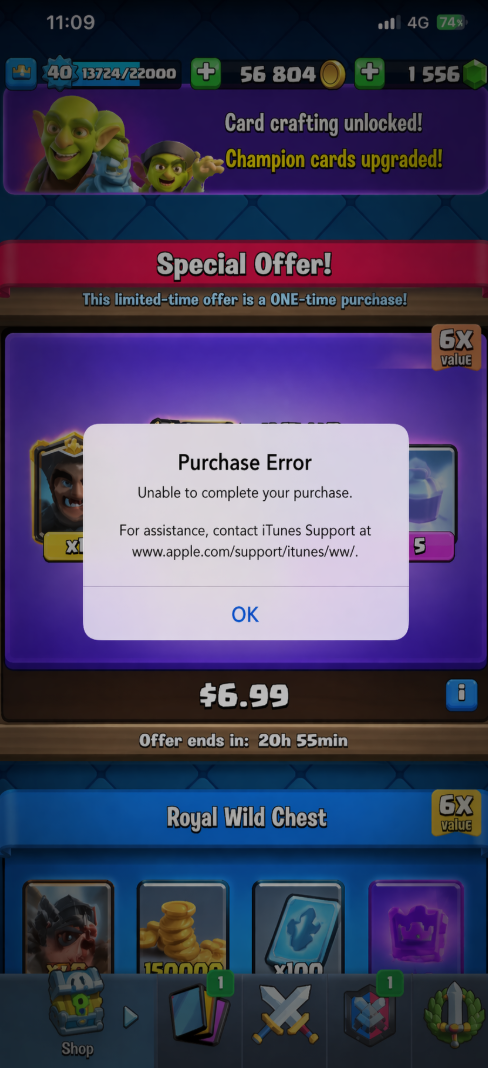
Start with the first thing you can clearly see going wrong. That usually tells you which layer is actually failing.
No payment methods appear at all: the game opens the store page, but there are no supported payment options to choose from.
Your usual card or wallet checkout is missing: you expected a saved card, Apple Pay, Google Play balance, PayPal, or another wallet, but it is not offered.
Billing address or tax prompt keeps looping: checkout never finishes because the store keeps asking for billing details again.
Payment declined: your bank card, prepaid option, or wallet is shown, but the transaction is refused.
Purchase processing forever: the spinner stays on screen or the transaction hangs after you approve it.
You were charged, but Gems or Pass Royale did not arrive: this is usually a delivery sync issue, not a fresh payment failure.
The store says item unavailable in your region: this usually points to account-country, region, or platform restrictions.
That first symptom matters. A missing wallet option is not the same problem as a bank decline, and treating them the same wastes time.
What Usually Causes This
Most billing trouble here falls into five buckets.
Platform store account issues. Clash Royale purchases usually run through your device's app marketplace and billing system. If the signed-in account is wrong, incomplete, restricted, or tied to a different region, payment methods can disappear or fail.
Payment method validation problems. A saved card may be expired. A wallet may need to be verified again. A prepaid balance might not cover tax. Sometimes the bank simply flags a game purchase as suspicious.
Region and currency mismatches. If your app store country, billing profile, and current location do not line up, some payment methods or offers may not appear normally. This shows up a lot after travel, account migration, or a device switch.
Temporary checkout failures. App store billing systems do go down, and shaky network conditions can interrupt the handoff between the game and the payment page. It looks dramatic, but sometimes it is just temporary.
Post-payment sync delays. If payment completed but Gems or Pass Royale did not appear, the problem may be delivery rather than billing. The store accepted the purchase, but the entitlement has not synced back to the game account yet.
So do not jump straight to “my card is broken.” Sometimes the billing method is fine and the store account is the real issue. Sometimes the payment is complete and only the item delivery is lagging behind.
Fix Sequence
Go in order. It is the cleanest way to fix checkout without turning one failed attempt into two charges.
Stop retrying for a minute. If you already tapped Buy several times, pause. Multiple retries can create pending authorizations even if nothing fully completes.
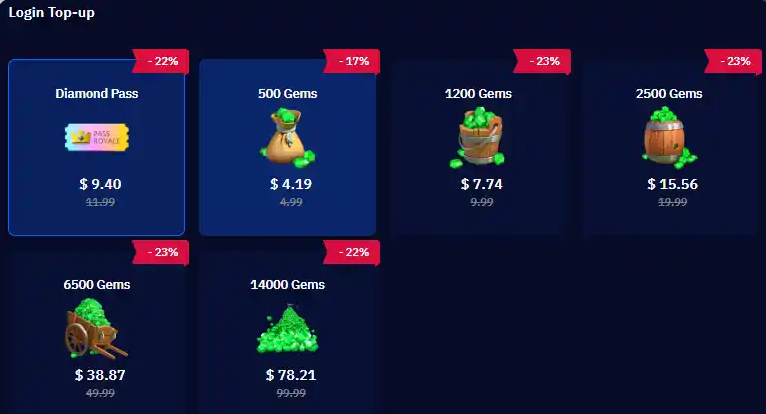
Make sure you are using an official purchase path. Buy Gems or Pass Royale only through the in-game shop or the official Supercell purchase flow available in your region. Random marketplaces, social sellers, and “cheaper top-up” offers are not worth the risk.
Restart the game, then restart the device. It is basic, but it often clears a stuck handoff between Clash Royale and the platform billing service.
Check your connection. If mobile data is unstable, switch to solid Wi-Fi. If Wi-Fi is filtering store traffic, try the reverse. Turn off any VPN before trying again, since it can interfere with region checks.
Confirm the correct store account is signed in. On some devices, the game may be running while the billing profile belongs to another account entirely. Make sure the app store account you want to pay with is the one actually active.
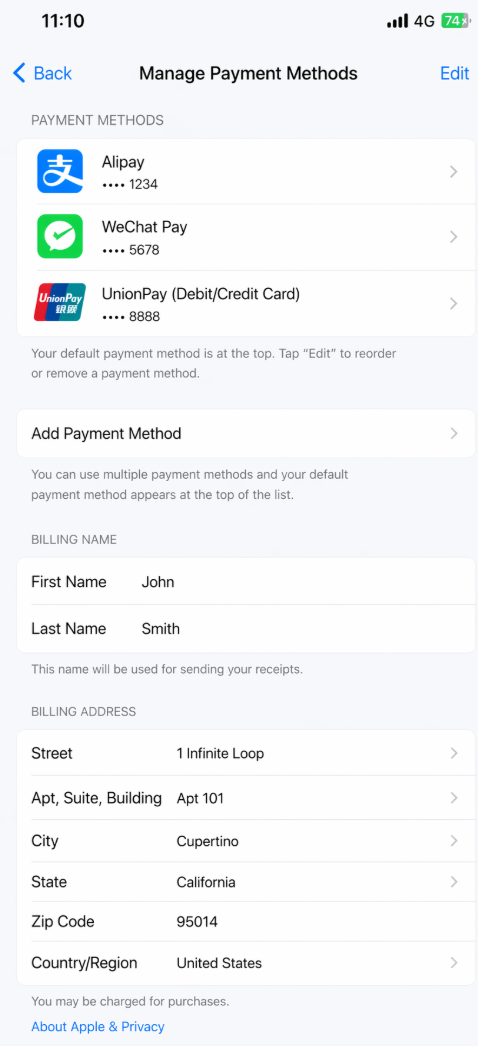
Review saved payment methods. Check for expired cards, removed wallets, old billing addresses, verification prompts, or low balances. Even a small mismatch in postal code or billing name can trigger a decline.
Check funds with tax included. A lot of failed purchases come down to this. The listed item price may fit your balance, but tax or currency conversion pushes it over.
Try another supported payment option. If one card keeps failing, use a different method already supported by your store account. Do not go hunting for sketchy workarounds.
Update the game and store services. Install pending updates for Clash Royale, your operating system, and app marketplace services. Outdated billing modules can break checkout.
Recheck region and country settings. If your store country changed recently, or you are traveling, your payment methods may no longer match the active region. Fix that at the account level first.
If you were charged but got nothing, do not buy again yet. Wait a bit, relaunch the game, and check carefully. Many missing-item cases resolve once the purchase sync finishes.
Keep track of what you tried. Note whether the problem is missing payment methods, a decline, endless processing, or a charge without delivery. That record helps if support gets involved.
If something starts working, stop there. There is no prize for continuing to fiddle with billing settings after checkout is fixed.
Risk Warnings
A few bad decisions make payment problems much worse than they need to be.
Do not use unofficial top-up sellers. Gems and Pass Royale should come through official payment channels. Off-platform sellers create the highest risk of non-delivery, account trouble, and charge disputes.
Do not keep retrying after a bank decline. That is a good way to trigger fraud protection and get the card blocked temporarily.
Do not request a refund and repurchase at the same time. If there is a pending charge and a missing item, let the transaction settle first. Crossing those two processes usually makes the record messier.
Do not switch regions casually. Changing account country settings just to force another checkout option can disable existing payment methods and leave you with a longer billing mess.
Do not hand over account details so someone else can buy for you. Convenient story, bad idea. It is one of the fastest ways to lose control of the account.
A failed purchase is irritating. An account-security problem is worse. Solve the billing issue cleanly.
When Support Is Actually Needed
You do not need support for every small decline. Sometimes you just need to fix a card detail or wait out a temporary billing hiccup.
Contact platform billing support first if your payment method keeps getting declined, your wallet balance is not recognized, your billing profile cannot be updated, or your app store account looks restricted. Those are usually store-side problems, not game-side ones.
Contact Clash Royale or Supercell support if payment completed through an official channel, but the Gems or Pass Royale still do not appear after you relaunch the game and wait a reasonable amount of time. At that point, the key issue is delivery, not the card itself.
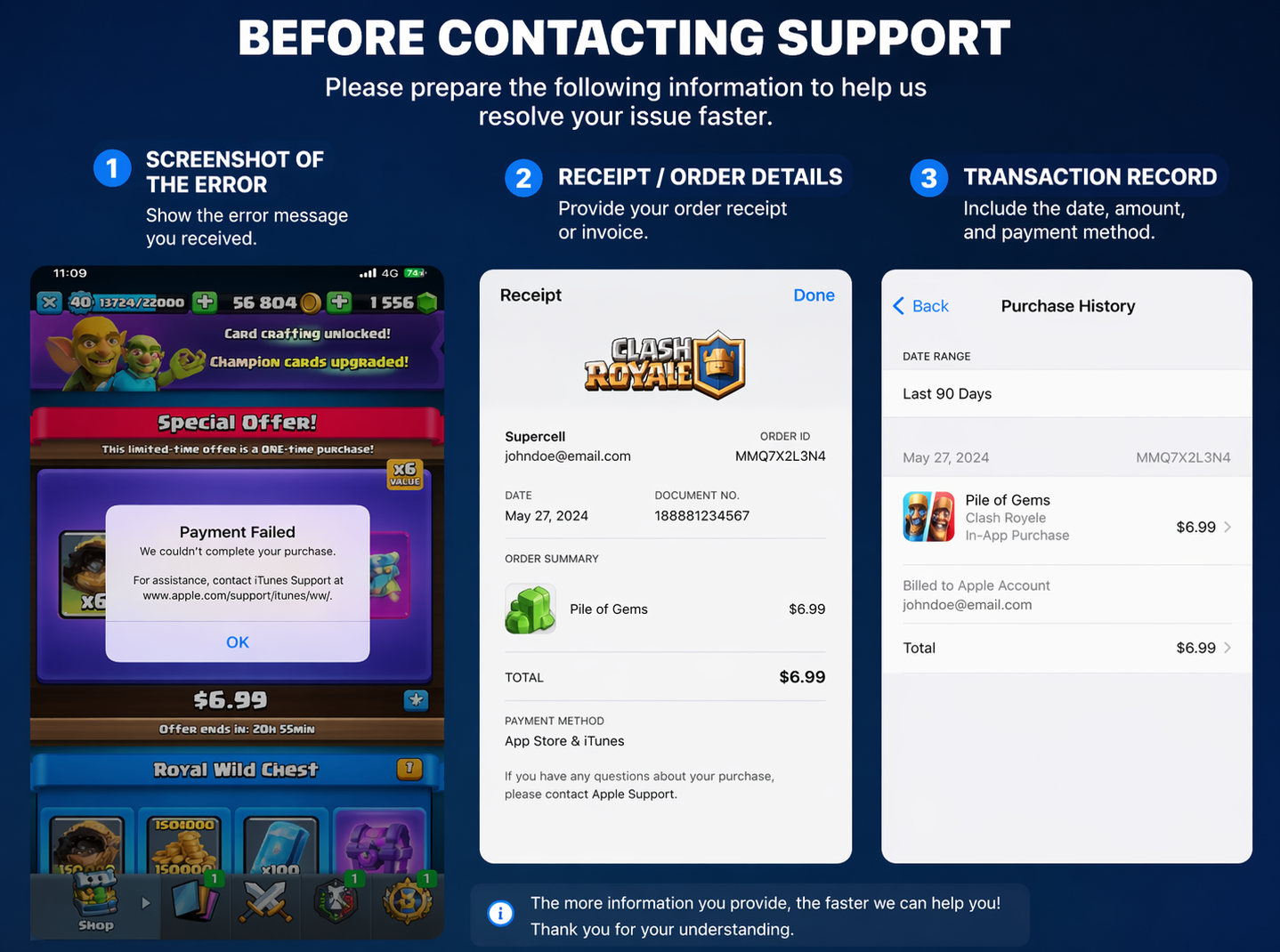
Before contacting anyone, have the basics ready: the item purchased, date and time, platform, transaction ID or receipt number, whether you were fully charged or only saw a pending authorization, and screenshots of any error message. Specific evidence gets better results than saying the game “ate your money.”
FAQ
Why are no payment methods showing in Clash Royale?
Your device store account may not be signed in correctly, your billing profile may be incomplete, your region settings may not match, or the platform billing service may be temporarily failing.
Why is my card declined when buying Gems or Pass Royale?
Common reasons include an expired card, incorrect billing address, insufficient available funds after tax, bank fraud protection, or a mismatch between your store region and payment profile.
Can I use a wallet instead of a bank card?
Yes, if your platform and region support it. The exact options depend on your device store account, local billing availability, and the official payment channel in use.
I was charged but did not receive Gems. Should I buy again?
No. Relaunch the game, wait for the purchase to sync, and check the transaction status first. Buying again too quickly can create duplicate charges.
Is it safe to buy from a cheaper third-party seller?
No. Stick to official payment channels. Unofficial sellers increase the risk of non-delivery, disputes, and account-security problems.
Why is Pass Royale unavailable even though I can buy other items?
It can happen because of a temporary storefront issue, a regional availability problem, or a specific item sync problem. Check for game updates and confirm your store region and payment status.
Who should I contact first: the app store or Supercell?
If the payment method fails before completion, contact the platform billing side first. If payment completed and the item is missing, contact game support with the receipt details.
Bottom Line
Most checkout problems here are fixable if you treat them like billing workflow issues instead of random game bugs. Start with the first visible symptom, verify you are using the official payment path, check the active store account, review the payment method, and then retry only if the setup looks clean. That order keeps the problem narrow and lowers the chance of duplicate charges.
The bigger point is simple: speed is not the same as safety. The best payment method is not just the one that goes through fastest. It is the one tied to a supported billing channel, leaves a clear receipt trail, and does not put your account at risk the second something goes sideways.