

You hit the withdraw button. Balance deducts. Status sits on Pending. Hours pass. Maybe a day. No success notification. This is the stress point for streamers and agents. You met the threshold. You know the rules. But the transition from pending to success feels opaque. This uncertainty can be frustrating, but understanding the process can reduce anxiety.
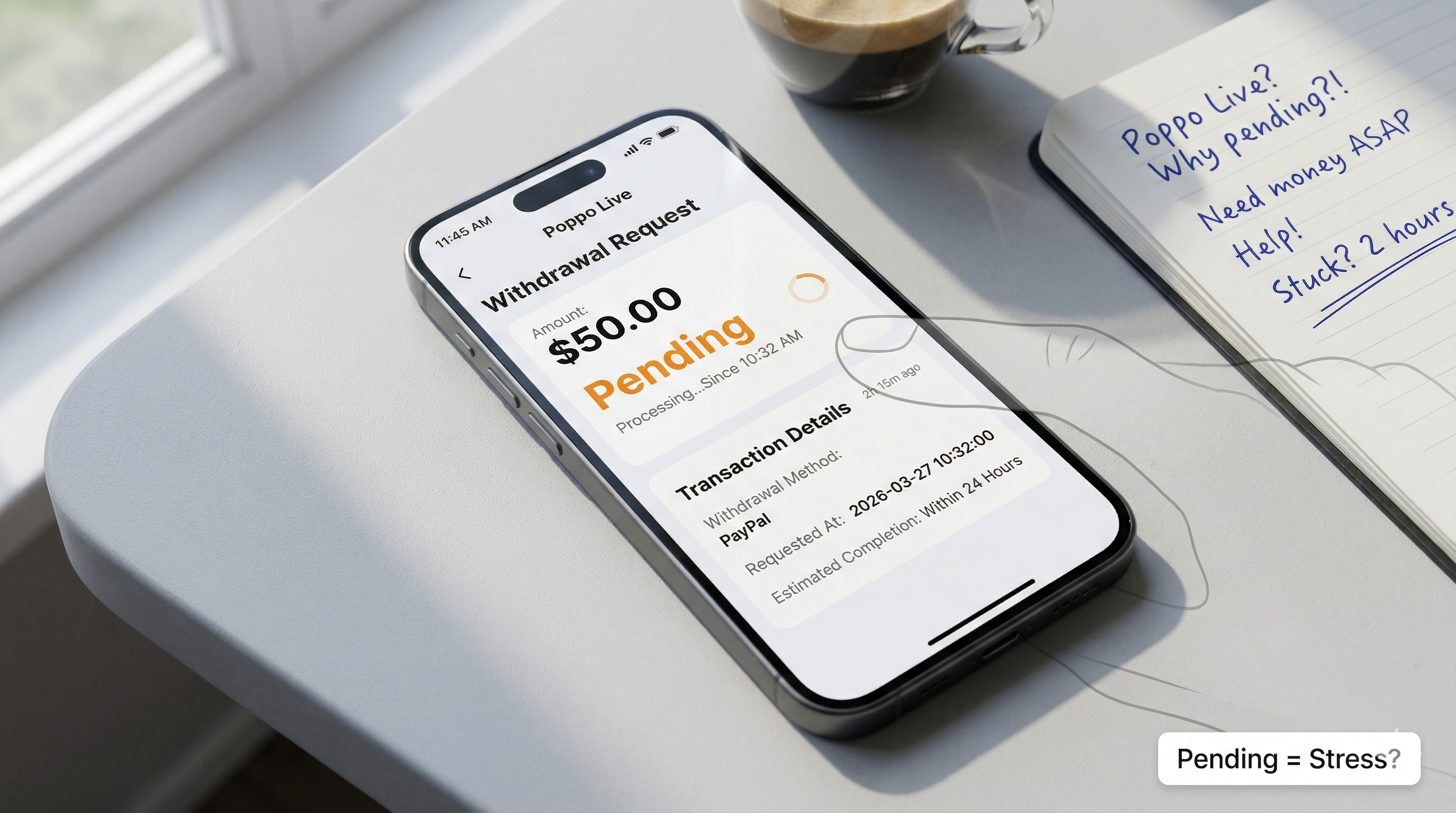
Most users assume delay means rejection. Often it's processing lag or a minor verification flag. Understanding the signals behind the payout status saves you from panic-ticketing support. Financial transactions on live streaming apps involve multiple handshakes between servers, processors, and your bank. When one link slows, the status freezes. You need a systematic way to diagnose whether this is system-wide lag or an account hold. Similar to payout structures on Velox Game, these delays often stem from backend synchronization rather than actual failures.
Root Cause Matrix
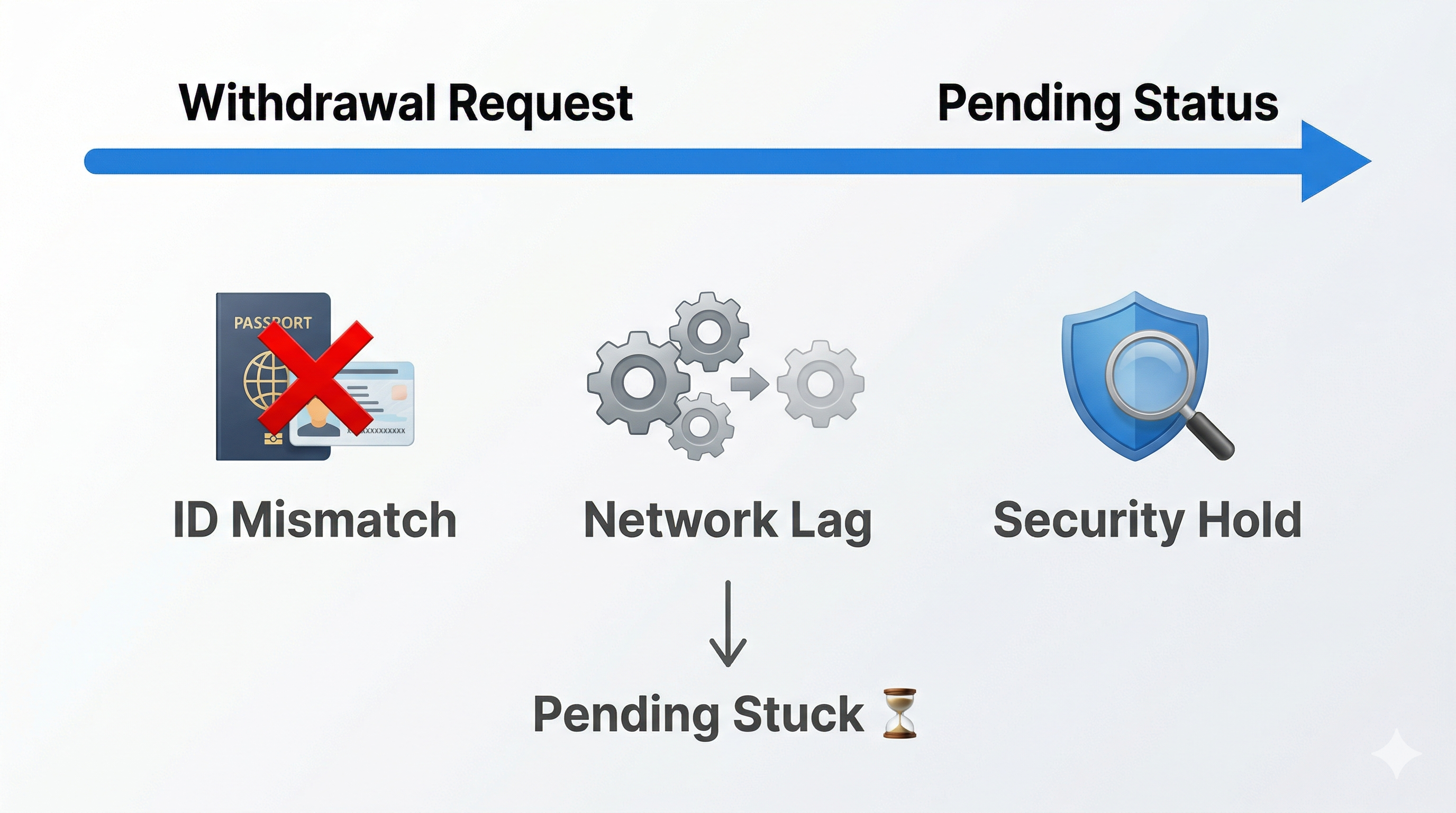
Three buckets where things get stuck. First is identity verification mismatch. If your real name registered on the app does not match the bank account holder name exactly, the system halts automatically. Even a single character difference or space can trigger a manual review flag that pauses the transaction indefinitely. For example, a space between first and last name might cause this.
Second is network synchronization latency. Sometimes the app interface shows pending while the server has already processed the request, creating a display lag. This is common during peak traffic hours when thousands of users are requesting withdrawals simultaneously. The database updates slower than the UI, leading to confusion about the actual status of your funds.
Third is security reviews triggered by behavior patterns. Large withdrawals relative to your account history, unusual login locations, or rapid successive cash out requests trigger manual checks. These are fraud prevention measures designed to protect earnings, but they add time to the standard window. Understanding which bucket your issue falls into determines the next action you should take.
Step-by-Step Troubleshooting
Start by checking your binding info immediately. Ensure the name on the withdrawal method matches your verified ID perfectly. Do not rely on memory; open your profile settings and compare the characters side by side. Double-check for any typos or special characters. If there is a discrepancy, you may need to update your banking details, which usually requires a waiting period before the next attempt.
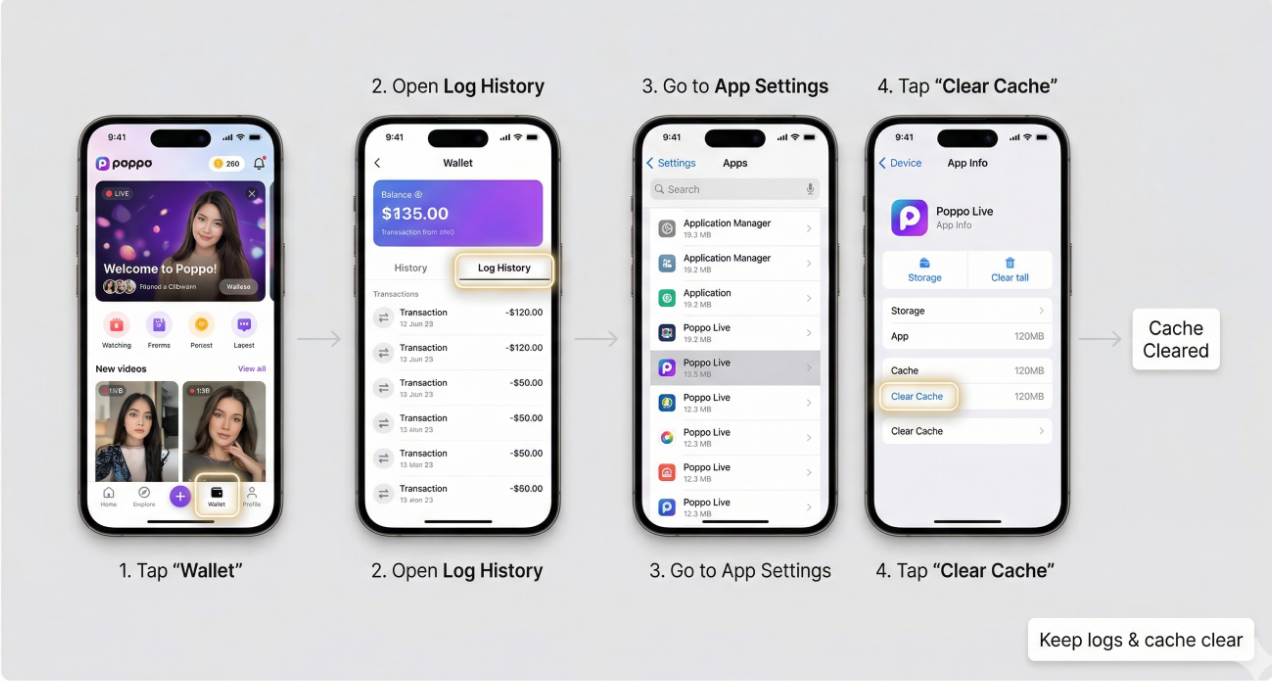
Next, clear the app cache and refresh the transaction history. Do not rely on the home screen balance; go directly to the wallet log. Look for specific transaction IDs associated with the pending amount. Sometimes restarting the application forces a sync with the server, updating the status from pending to success if the funds have already moved.
Check for any system maintenance announcements that might coincide with your request time. Official social media channels often post about bank maintenance windows that affect processing times. If the bank is down, the app cannot complete the transfer regardless of your account status. Wait until the maintenance window closes before worrying about the transaction.
Verify your network connection. Switch between Wi-Fi and mobile data to rule out local connectivity issues preventing status updates. Ensure your app is updated to the latest version, as older versions may not display the most current transaction states correctly. These basic checks resolve a significant portion of display-related pending issues.
If Still Not Resolved
Wait for the standard processing window to close completely. Usually, this is 24 to 72 hours depending on the method selected. Bank transfers often take longer than e-wallet options. Some banks may take longer due to their internal processing schedules. If it exceeds this window without movement, the issue is likely not a simple lag. At this point, the transaction might be stuck in a queue requiring manual intervention from the finance team.
Prepare your evidence before escalating. Take screenshots of the pending status, the transaction ID, and the time elapsed since the request. Note any error messages that appeared during the process. This documentation speeds up the resolution process if you need to submit a ticket later. Do not submit multiple withdrawal requests for the same balance, as this complicates the queue.
Risk Warnings
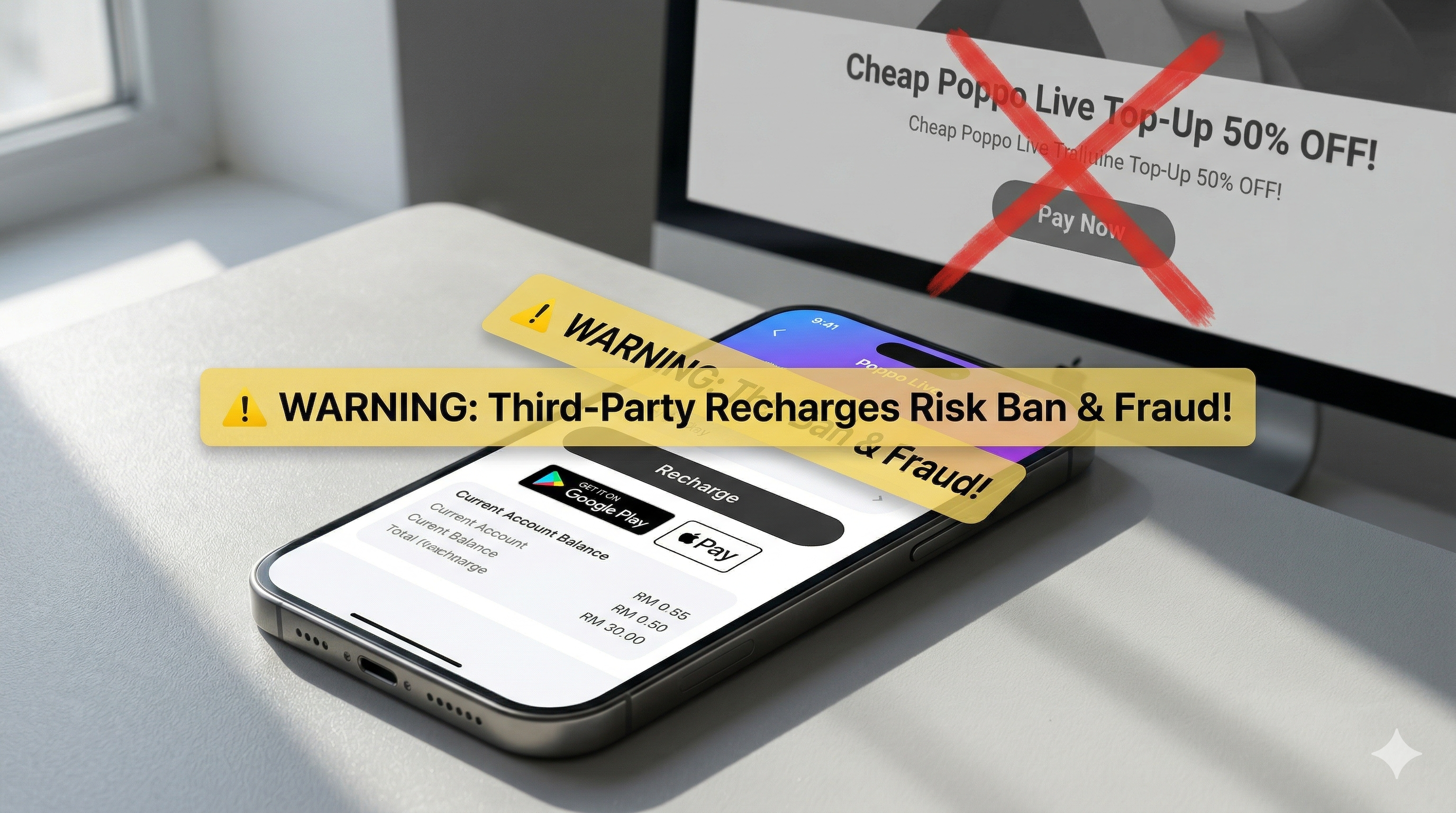
Do not trust third-party agents promising instant cash out. They often steal credentials or charge excessive fees for services the app provides for free. Sharing your login details with anyone claiming they can fix pending withdrawals is a direct violation of terms and puts your earnings at risk of permanent forfeiture.
Do not share screenshots of your wallet with strangers claiming they can fix it. Scammers use this information to socially engineer support tickets or attempt account recovery attacks. Keep your financial data private. Only communicate through official channels within the application or verified support emails. For general safety standards, refer to resources on Velox Game. Protecting your account integrity is more important than speeding up a single transaction. Always verify the legitimacy of any third-party service before sharing personal information.
Before Contacting Official Support
Have your UID ready before opening any ticket. Support teams need this to locate your account quickly. Have screenshots of the pending status and the transaction ID organized. Check if you submitted multiple requests which might queue them behind each other. Canceling duplicate requests can sometimes free up the primary transaction to process normally.
Review the help center articles regarding withdrawal requirements one more time. Ensure you meet the minimum threshold and have completed all necessary identity verification steps. Support will simply redirect you to these resources if basic requirements are not met. Saving time here ensures you get a human agent who can actually investigate the technical delay.
FAQ
1. How long does a withdrawal usually take?
Standard processing ranges from 24 to 72 hours. E-wallets are often faster than direct bank transfers. Weekends and holidays may extend this window due to banking closures.
2. Why was my withdrawal rejected?
Common reasons include name mismatches, insufficient balance due to pending gifts, or unverified identity status. Check your notification center for specific rejection reasons.
3. Can I cancel a pending withdrawal?
Once submitted, most requests cannot be canceled manually. You must wait for the system to process or reject it before the funds return to your available balance.
4. What is the minimum withdrawal amount?
This varies by region and payout method. Check the wallet section for the specific threshold applicable to your account type and location.
5. Can I change my bank account mid-process?
No. You must wait for the current transaction to complete or fail before binding a new payout method. Changing details during a pending transaction will cause errors.
Bottom Line
Patience is key when dealing with financial transactions on live streaming platforms. Most delays resolve themselves within the standard window without intervention. Treat pending status as a normal part of the cycle unless it exceeds the maximum expected time. By following these structured checks, you can distinguish between a simple lag and a genuine issue requiring support. Protect your account first, and let the system do its work.