

You usually find the recharge page without much trouble. The real friction starts after that. You pick a package, try to pay, and suddenly the charge hangs, gets declined, or goes through without the coins or diamonds showing up right away. At that point, nobody wants vague advice. They want to know what they are buying, whether the package is worth the price, and what to check before hitting pay again.
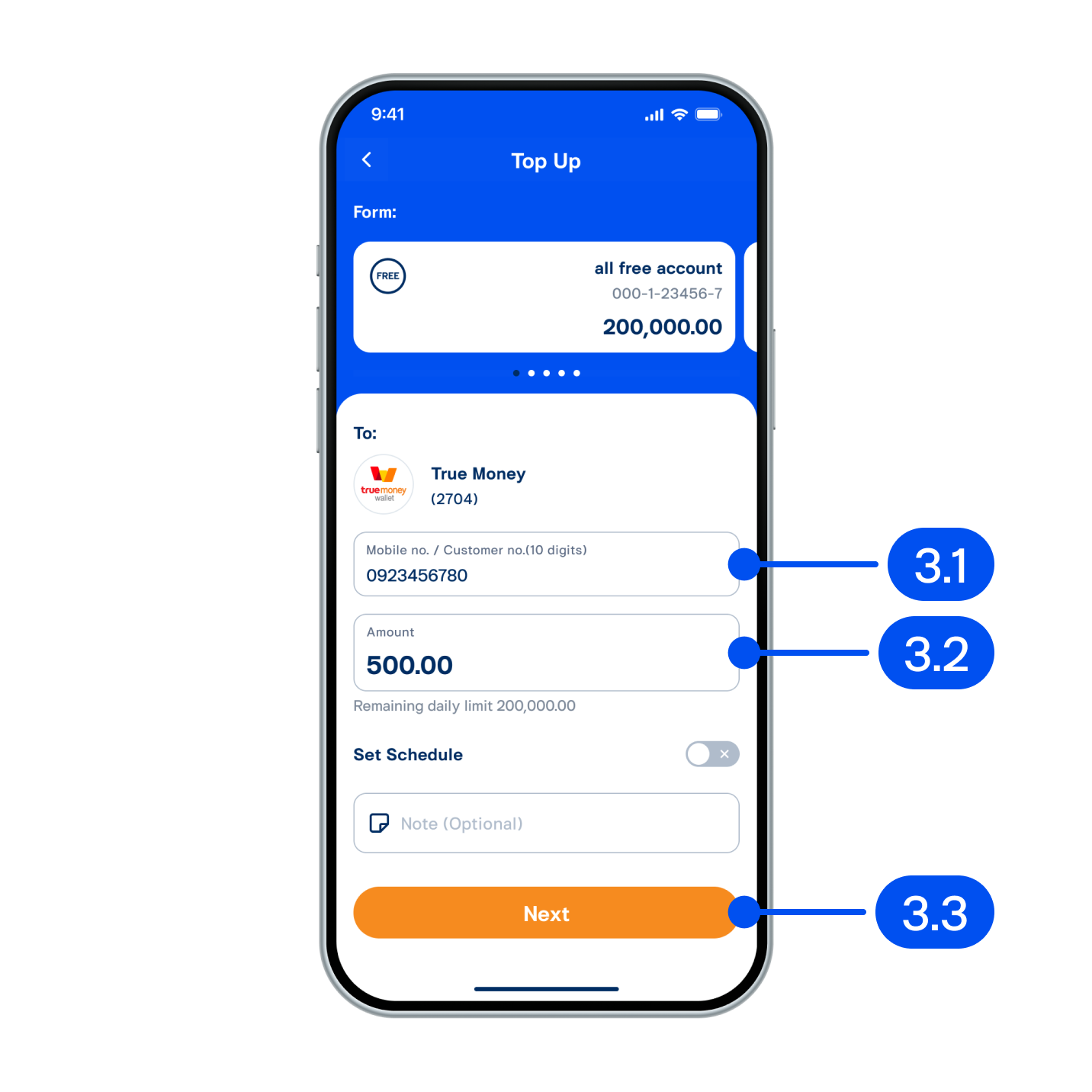
That is where small mistakes turn into annoying ones. Coins and diamonds may sit in different package tiers, promo pricing may shift, and payment methods do not always behave the same across regions, app settings, account status, or bank security checks. Move too fast and you can end up choosing the wrong package or creating a second payment problem on top of the first.
This guide sticks to the official payment flow, how to judge package value without overthinking it, and the most common reasons an official Sugo recharge fails. If you are trying to buy safely and avoid another bad checkout, the details here matter.
What You Actually Get
Before dealing with payment errors, get clear on the product. An official Sugo recharge usually means buying in-app currency such as coins or diamonds through an authorized payment flow tied to your account. You are not buying a physical item, and usually not a transferable code. You are paying to add digital balance to a specific Sugo profile.
That sounds basic, but plenty of complaints start with a simple mismatch. The buyer expected one balance type, one amount, or one destination account, and the completed order delivered something else. Start with these checks:
Confirm whether you need coins or diamonds, not just a generic top-up.
Check the exact package amount before paying.
Make sure the receiving account is the one you actually use.
Review whether taxes, service charges, or currency conversion affect the final total.
In most official payment flows, you choose a package, review the total, pick a payment method, complete any verification, and wait for the balance to land. If the transaction succeeds, the coins or diamonds should appear on the same account used during checkout. If they do not, that does not always mean the money is gone. The order may still be processing, the app may need a refresh, or the payment may have been authorized but not fully captured yet.
The point is simple: recharge value starts with buying the right balance type in the right package for the right account. A lot of so-called payment issues are really selection mistakes made before the card is charged.
Price-to-Value Check
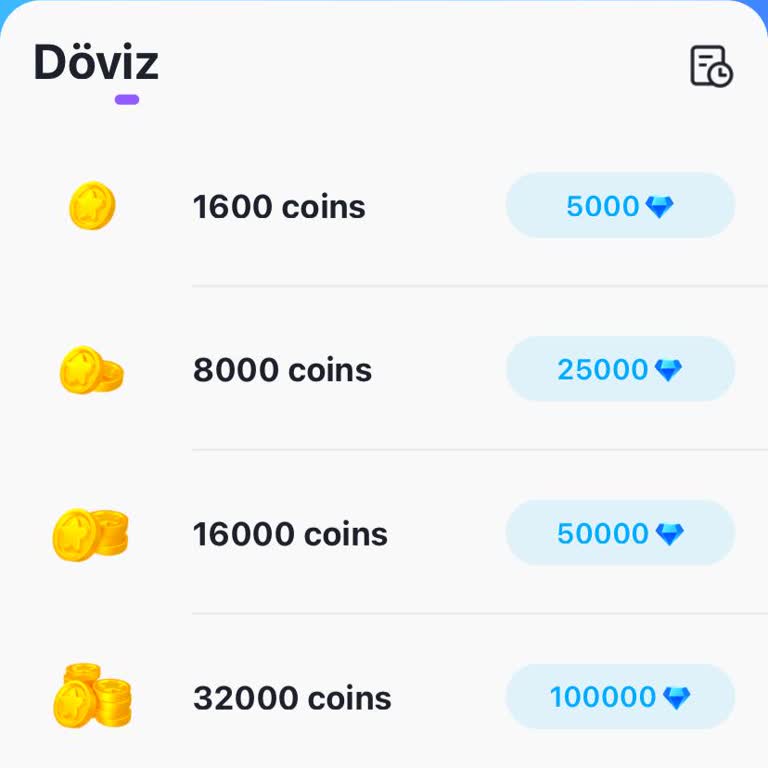
When people say a top-up is worth it, they usually mean one of three things: the larger package gives a better per-unit rate, the amount matches how they actually use the app, or it saves them from repeated small transaction fees. Those are related, but they are not identical.
Start with the package options. Bigger bundles often look better because the cost per coin or diamond drops. That only matters if you will actually use that balance. If your spending is occasional, a mid-range package may be the smarter buy even if the headline rate is slightly worse. Spending less upfront can be the better call.
A useful value check should include:
The final payable amount after tax or local currency conversion.
The exact number of coins or diamonds added.
Whether the larger package meaningfully improves the per-unit value.
Whether you are buying for a one-off need or regular use.
Whether your payment method adds hidden costs through international processing or exchange rates.
This is where people misread the deal. They focus on the biggest package because it looks efficient, then the payment fails because the bank flags the amount, the wallet balance is not enough, or the app store declines the charge. So the best value on paper is not always the easiest checkout in real life.
If your last payment failed, it may be smarter to step down to a smaller package first. That is not giving up on value. It is testing whether the official payment flow works cleanly with your account, region, and payment method before you try a larger charge.
When This Deal Makes Sense
An official Sugo recharge makes sense when your priority is account safety, clean delivery, and fewer disputes. That matters even more if you want coins or diamonds without the usual risks that come with unofficial sellers, delayed credits, or account mix-ups.
It is a sensible choice when:
You already know which currency type you need.
You have checked the package options and picked an amount you will likely use.
You want the purchase attached directly to your actual Sugo account.
You prefer the official payment flow over third-party shortcuts.
Your payment method is active, verified, and able to handle digital purchases.
It makes even more sense if you have dealt with missing credits, rejected orders, or weak purchase records through less reliable channels before. Official recharge routes usually leave a clearer paper trail. That matters if support later asks for transaction IDs, timestamps, and payment references.
On the other hand, if you are unsure about your login, changing regions, or still do not know whether you need coins or diamonds, stop there first. The best time to recharge is when your account details, package choice, and payment method all line up. That cuts down the odds of paying twice, ordering the wrong thing, or getting stuck with a pending transaction that never quite resolves.
Risk Warnings
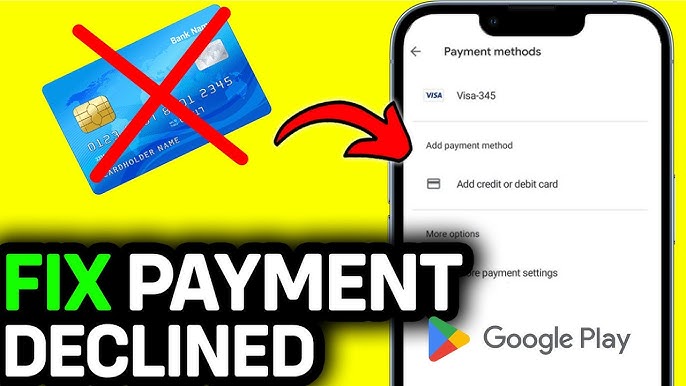
Most failed Sugo top-ups come from the same short list of causes. The good news is that many are fixable. The bad news is that repeating the same failed action too quickly can create duplicate holds or make the payment trail messier.
Common failure reasons include:
Insufficient balance or card limit reached.
Bank fraud screening blocked the transaction.
Name, billing, region, or payment credentials do not match.
App store or payment gateway is temporarily unstable.
Account session expired during checkout.
The selected package is unavailable in your current region or currency.
Too many repeated attempts triggered a risk flag.
If a payment fails, do not immediately hammer the same button again. First check whether the order is actually failed, still pending, or only partially authorized. Review your transaction record, app purchase history, wallet or bank statement, and in-app balance. A pending charge is not the same as a successful top-up, and a failed top-up does not always mean an instant refund. Reversals can take time.
A safer order for troubleshooting looks like this:
Refresh the app and sign in again.
Check whether the coins or diamonds arrived after a delay.
Review the order or payment history for the current status.
Confirm that your payment method can process digital purchases.
Try a different approved payment method if one is available.
Contact official support with transaction details if money left your account but the balance never arrived.
The biggest risk is not just the initial failure. It is what people do right after it. Duplicate attempts, wrong-account recharges, and unofficial workaround purchases usually cause more trouble than the first error.
FAQ
Why did my Sugo payment fail even though my card has enough balance?
Available funds are only one part of approval. Your bank may block digital purchases, international merchant categories, or spending that looks unusual. Billing mismatch, expired card details, or app store verification issues can also stop the payment.
How long should I wait if the payment went through but my coins or diamonds did not arrive?
First check whether the order status shows pending or completed. Many digital purchases appear quickly, but some take longer because payment confirmation is delayed. Give it a reasonable processing window, refresh the app, and make sure you are viewing the correct account before escalating.
Should I choose the biggest package for better value?
Only if you know you will use it and your payment method can clear the charge without trouble. Bigger packages may improve unit value, but they also raise the chance of bank review or overspending on balance you do not need yet.
What is the safest way to buy coins or diamonds?
The safest route is the official payment flow tied directly to your Sugo account. Double-check the account identity, package selection, final payable amount, and payment details before confirming.
Can I retry the same payment immediately after a failure?
You can, but that does not make it a good idea. First confirm whether the first attempt is fully failed or still pending. Retrying too fast can create duplicate authorization holds or multiple incomplete orders.
What details should I keep before contacting support?
Keep your account ID, selected package, payment time, transaction reference, payment method, charged amount, and screenshots of the order status. That makes it easier to show whether the payment went through without the balance being delivered.
Bottom Line
An official Sugo recharge is usually straightforward if three things are clear before you pay: what you are buying, which package actually fits your use, and whether your payment method can handle the charge. Most trouble starts when buyers skip one of those checks and treat every top-up as basically the same.
If your payment has already failed, do not write it off as bad luck. Look at the package choice, the account path, the payment settings, and the transaction status before trying again. Very often, the fastest fix is not another rushed attempt. It is a cleaner second pass through the basics.
A practical rule holds up here: choose the balance type carefully, pick a package you can justify, and use the official payment flow with a little patience. That will not prevent every failed transaction, but it does avoid most of the preventable ones.