

You are at the Monochrome checkout screen, the pack looks fine, and then the doubts start. The price may be in a different currency than expected. Your usual wallet may be missing. A card that works elsewhere may get declined. None of that is unusual with Zenless Zone Zero purchases, because the checkout depends on account region, platform, device, and billing country.
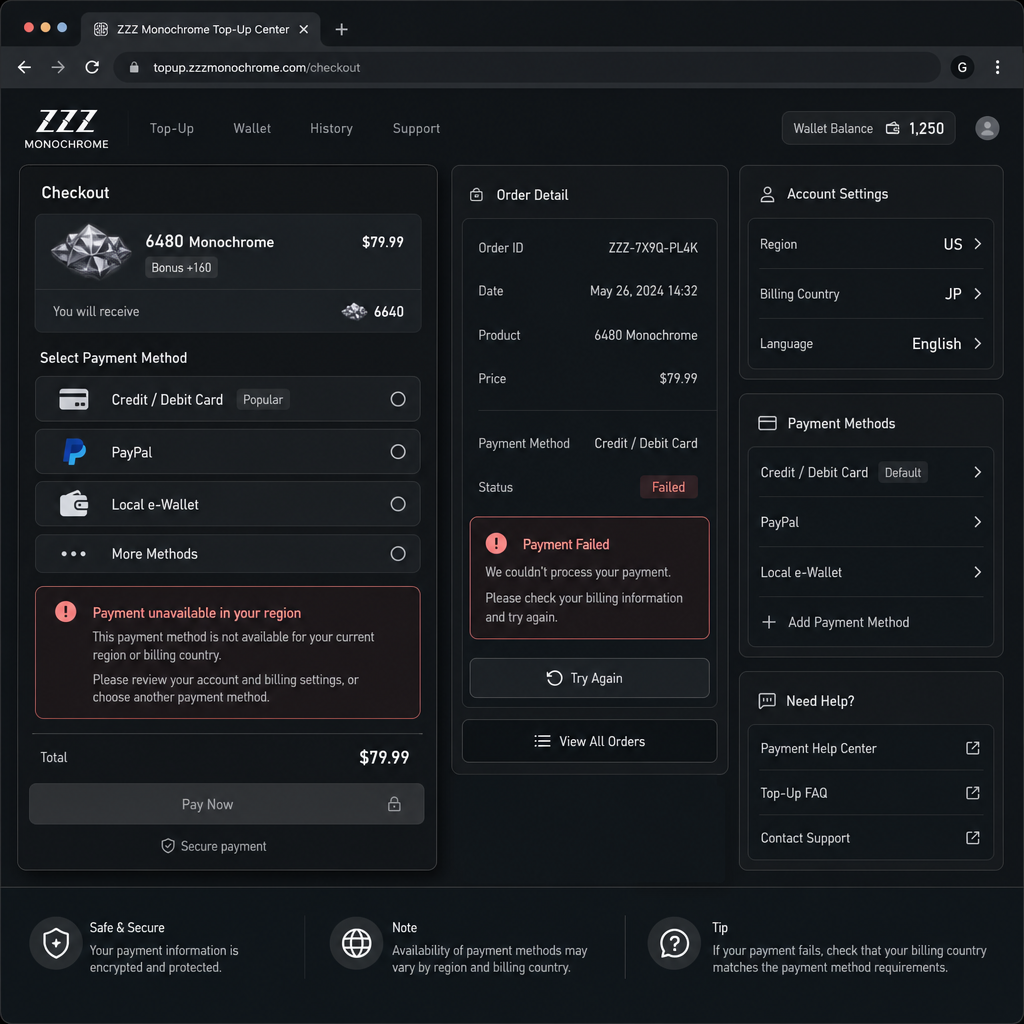
The offer is only worth taking if the payment route is official, the currency and taxes make sense, and the Monochrome goes to the right account. It is not worth forcing a region mismatch, borrowing someone else’s card, or trusting a seller advertising suspiciously cheap currency.
Here is the practical way to judge ZZZ Monochrome payment options by region: check eligibility first, compare the real final price, and avoid any route that creates account or refund trouble later.
Offer Scope and Eligibility
Monochrome is the paid currency used in Zenless Zone Zero. It is normally bought through official storefronts connected to your game account or platform account. The exact checkout flow can change depending on whether you buy inside the game client, through a platform store, or through an official top-up page available in your market.
Start with account region. Your ZZZ account, platform account, and payment billing country should ideally match. If the account is registered in one region but the card or wallet belongs to another, the product may still appear, but authorization can fail. You may also see extra verification, a different currency, or inconsistent tax handling. Region mismatch is where chargebacks, refund disputes, and account security reviews become much more likely.
Platform matters too. Mobile players usually see Apple App Store or Google Play billing. PC players may see in-client checkout options or a publisher-supported web payment flow, depending on local availability. Console billing, where supported, generally follows that console store’s regional rules. So a payment method that works on your phone may not show up on PC, and a wallet accepted by a local app store may not be available in a separate web checkout.
Product availability can also differ. Monochrome packs, first-purchase bonuses, subscription-style offers, and bundles are not always identical across every region or payment channel. Some regions include tax in the displayed price. Others add it at checkout. Some payments clear instantly, while others need bank approval, wallet confirmation, or fraud screening.
The safest commercial baseline is simple: use the supported payment methods shown inside an official channel for your real billing region. If the checkout does not offer your preferred card or wallet, do not treat that as a problem to hack around. It may mean the channel is not built for your account, country, or platform.
Value Comparison
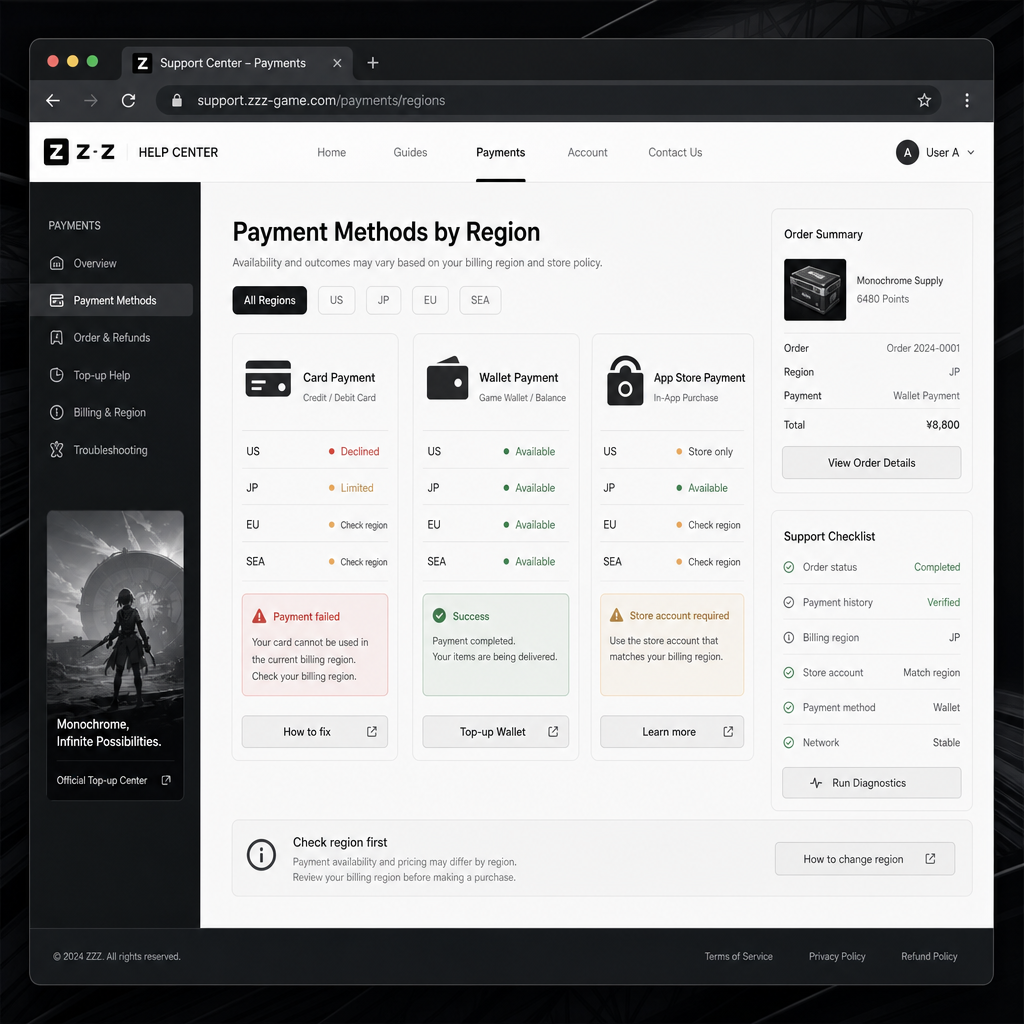
Most players compare Monochrome packs by size. That is a start, but it misses the real cost. A better comparison includes the final price after taxes, currency conversion, bank fees, payment speed, refund rules, and account risk.
App store checkout is usually the easiest route for mobile players. It uses the card, balance, or wallet already tied to your Apple or Google account, and purchase confirmation is usually clear. The drawback is that store pricing and billing rules are locked to your account region. You may not see every local payment method, and the final price can reflect app store pricing structures, tax rules, or currency conversion.
PC or official web checkout can be useful when it supports more local payment methods. In some regions, official web payment pages may include credit cards, debit cards, bank transfer options, e-wallets, prepaid balances, or regional processors. That can suit players who do not want every purchase routed through a mobile platform account. Still, the checkout needs to be official and tied to the correct ZZZ account. A better-looking payment option is not a deal if you cannot confirm where the Monochrome will land.
Local wallet checkout can be the best experience where it is supported. It may reduce card declines, avoid international bank friction, and confirm quickly. The catch is that wallet support is highly regional. A wallet that is common in one country may not appear on another country’s checkout page, and wallet-funded purchases can have stricter refund limits than card payments.
Cards remain the broadest option, but they are not always the smoothest. International cards may be blocked by issuer fraud checks, especially if the merchant region does not match the billing country. Some banks add foreign transaction fees. Some require 3D Secure approval. Before assuming a pack is cheaper in another currency, check what your bank will actually charge after conversion and fees.
Third-party top-up shops need the most caution. Some legitimate retailers operate as authorized distribution partners in certain markets, but many cheap Monochrome sellers are not official. If a site asks for your login password, offers impossible discounts, sells region-swapped currency, or cannot explain the official payment channel behind delivery, stop there. The risk is larger than the saving.
Decision Checklist
Before buying, run through a short checklist. It catches most checkout and billing mistakes before money leaves your account.
Check your account region first. Confirm the region used by your game account and platform account. If you play across devices, make sure you are buying on the account that actually holds your ZZZ progress.
Use an official payment channel. Buy through the in-game store, your platform store, or an official payment page available for your country. Avoid sellers that need your account credentials or manual login.
Compare final price, not sticker price. Look at taxes, conversion rates, wallet fees, and card issuer charges. The cheapest displayed pack may not produce the cheapest bill.
Confirm supported payment methods. If your preferred card or wallet does not appear, it may not be supported in that region or channel. Do not use random VPN or billing-country workarounds just to force it.
Read the delivery details. Make sure the Monochrome is delivered to the correct server, UID, or account identity. This is especially important when the checkout asks you to confirm account information before payment.
Keep your receipt. Save the order number, payment confirmation, and platform receipt. If the Monochrome is delayed, support will usually ask for proof of purchase and account identifiers.
Check recurring or stored payment settings. If you are using a family device, shared console, or stored wallet, confirm whether future purchases require a password, biometric approval, or two-factor confirmation.
Risk Warnings
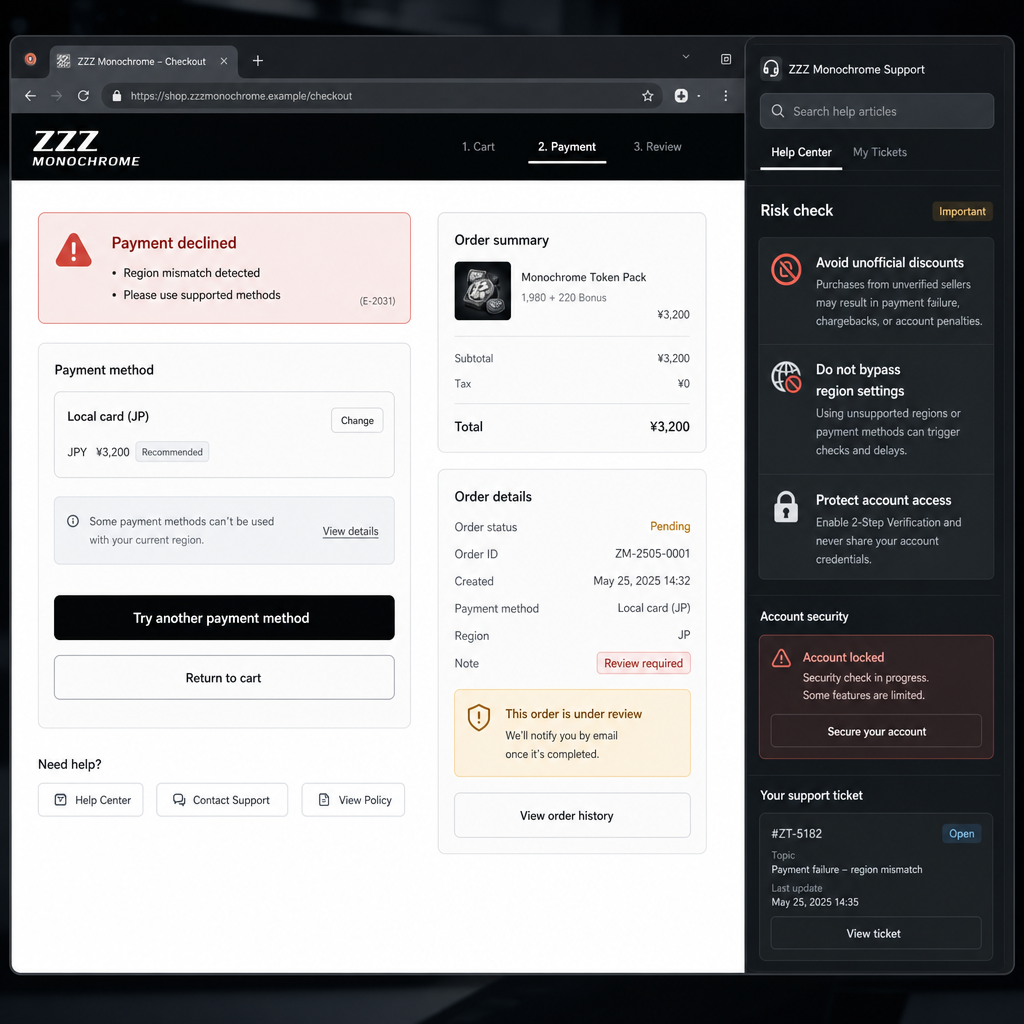
The biggest risk is not a simple failed payment. It is paying through the wrong route and creating an account, refund, or security issue that takes longer to fix than the purchase was worth.
Region manipulation is a common trap. Players sometimes change store countries, use a VPN, or borrow an overseas payment method to access different pricing or payment options. That can break billing consistency, block future purchases, or violate platform rules. Even if the transaction works once, it can cause problems later when you need support or a refund.
Unauthorized sellers are another major risk. If a seller advertises unusually low Monochrome prices, instant top-up by logging into your account, or “global region bypass,” treat it as a warning sign. Your account credentials, purchase history, and payment data are worth more than a small discount. Chargeback-based top-ups can also put your account at risk if the original payment is reversed.
Refund assumptions can be dangerous too. Digital currency purchases are often treated as final once delivered or used. Platform policies differ by region, and payment protections vary by method. A card dispute might return money in some cases, but it can also cause the game or platform to remove currency, suspend purchasing, or review the account. For a legitimate delivery issue, go through official support first.
Shared payment methods deserve care. If a parent, friend, or family member’s card is stored on a device, accidental purchases can happen fast. Set purchase authentication before opening the shop, especially if younger players use the same phone, tablet, console, or PC account.
Be skeptical of screenshots and social posts claiming one universal best payment method. ZZZ checkout options are regional by design. What works cleanly for a player in one market may be unavailable, more expensive, or blocked in another.
FAQ
Which payment methods are usually supported for ZZZ Monochrome?
Common options can include credit cards, debit cards, platform wallet balances, mobile app store billing, and selected local e-wallets or bank payment methods. The actual list depends on your region, device, platform, and official checkout channel.
Is card or wallet checkout better for Zenless Zone Zero?
Use whichever method is officially supported in your billing region and gives the clearest final price. Cards are widely accepted but may involve bank checks or foreign fees. Wallets can be faster and more local-friendly, but availability and refund handling vary by country.
Can I change region to get cheaper Monochrome?
It is not recommended. Region switching, VPN checkout, or using a payment method from another country can cause billing errors, support problems, or account review. A lower displayed price is not worth risking your ZZZ account or payment access.
Why does my friend see different payment methods?
Your friend may be using a different country store, platform, device, currency, or official payment channel. Payment methods and checkout options are not universal. Local regulation, processor support, and platform rules all affect what appears.
What should I do if Monochrome does not arrive after payment?
Do not repurchase immediately. Check whether the payment is completed or still pending, restart the game, confirm the correct account, and keep your receipt. If the currency still does not arrive, contact the relevant official support route with the order details.
Are third-party discount top-ups safe?
Only use a third party if it is clearly an authorized or official payment partner for your region. Avoid any seller that asks for your account password, promises unrealistic discounts, or cannot show how the purchase is delivered through a supported payment channel.
Bottom Line
Buying Monochrome in Zenless Zone Zero makes sense when the checkout is official, the region matches your billing setup, and the final price is clear before you confirm. The best option is not the one with the loudest discount. It is the one that delivers safely to the right account without leaving behind a payment or support mess.
For most players, the practical route is the official channel already tied to the device or account they use most: app store billing for mobile-first players, official PC or web checkout where available, and local wallets only when they appear naturally in the supported payment list. If the purchase requires a workaround, back out. In a live-service game, a clean payment history is worth more than saving a small amount through a risky route.